INTERACTIVE 3D EXERCISE
Bench Press in 3D
See the Bench Press from any angle. Rotate and zoom the interactive 3D view to inspect the movement yourself.
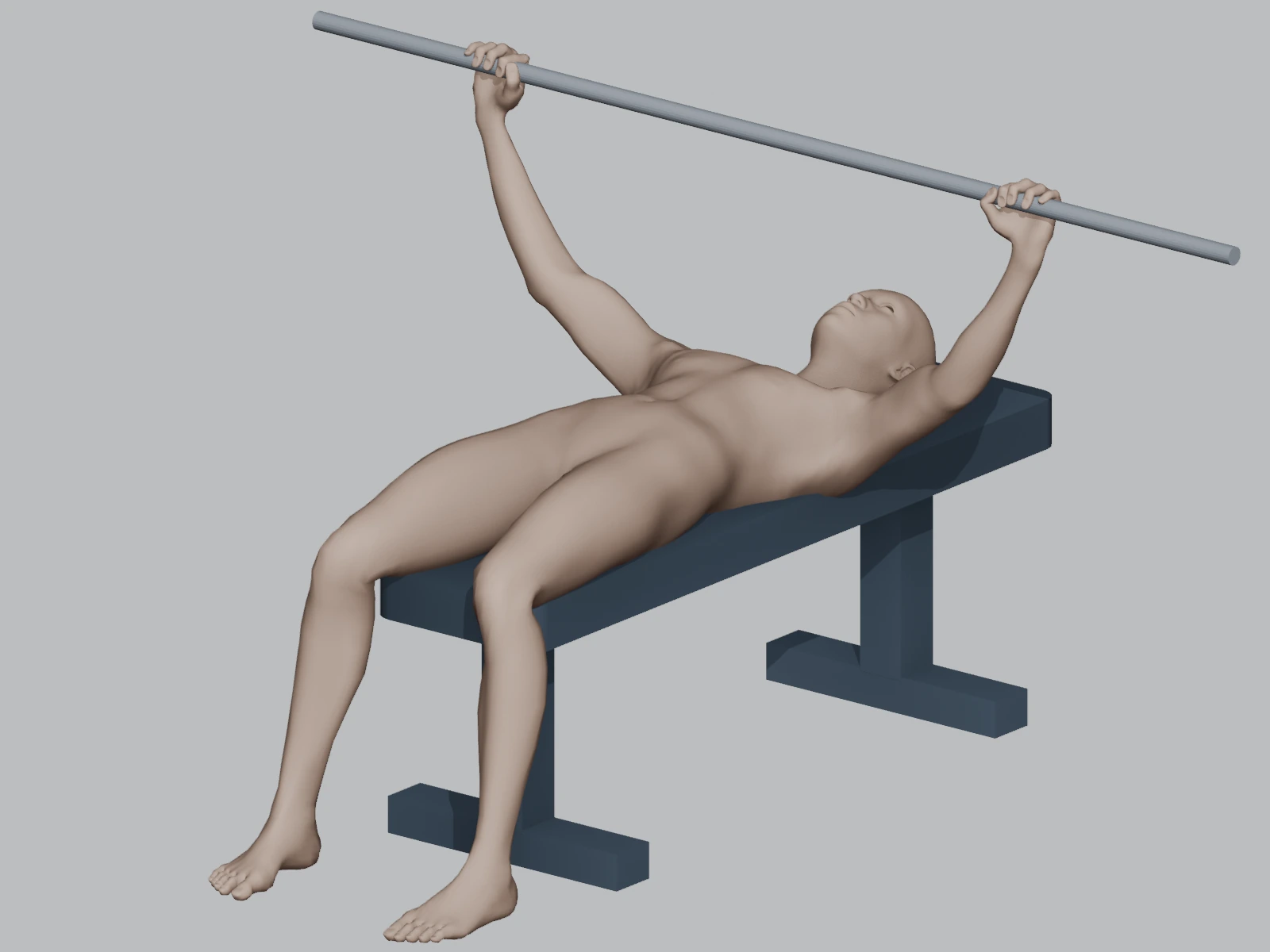
- Rotate
- Zoom
- Pause
Interactive 3D View
Drag to rotate · Pinch or scroll to zoom
360°
See the Bench Press from every angle
Move around the Bench Press in the interactive view to inspect the repetition from the side, the front and every angle in between.
Side
Bench Press side view
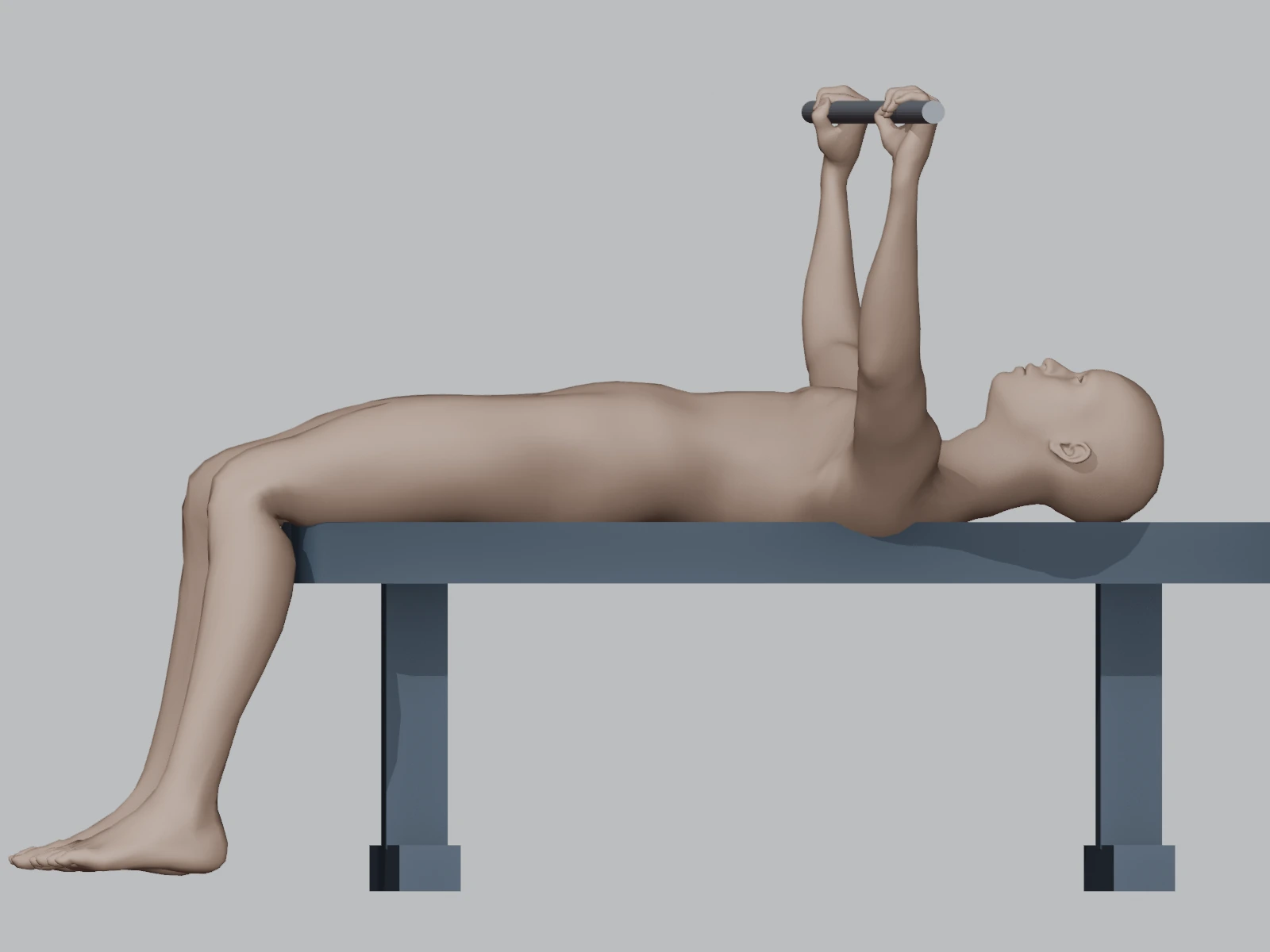
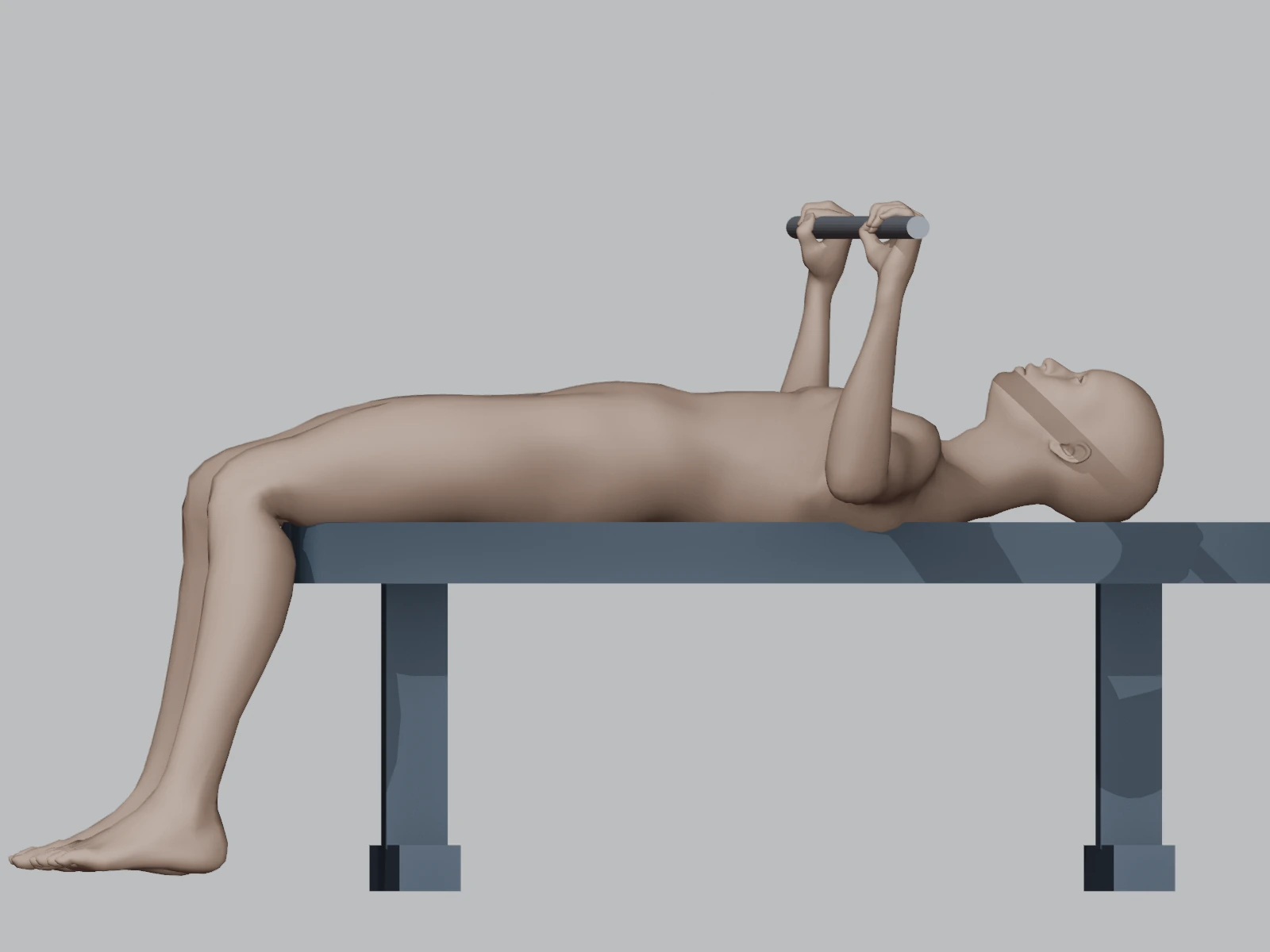
The side view makes it easier to compare the start and bottom positions while keeping the complete movement in context.
Start and bottom positions
Use the public reference renders to compare the two key positions before opening the interactive view from any angle.
Bench Press 3D questions
Can I rotate the Bench Press view?
Yes. After unlocking the interactive 3D view, drag with a mouse or finger to rotate around the exercise.
Can I view the Bench Press from the side?
Yes. Use the Side control or rotate the view manually to inspect the complete repetition from the side.
Can I zoom in?
Yes. Pinch on a touch screen or use the mouse wheel to zoom in and out.
Can I pause the movement?
Yes. Use the Pause control to stop the movement at the position you want to inspect.
Is this a video or an interactive 3D view?
It is an interactive 3D view. You control the viewing angle and zoom instead of watching a fixed-angle video.
Where can I find the complete Bench Press technique guide?
Open the full IronYou Bench Press guide for setup, technique cues, muscles worked and common mistakes. View the full Bench Press guide →